
This is a tutorial on how to create an email through the c-panel email accounts. This will allow you to have a separate email to for your domain.
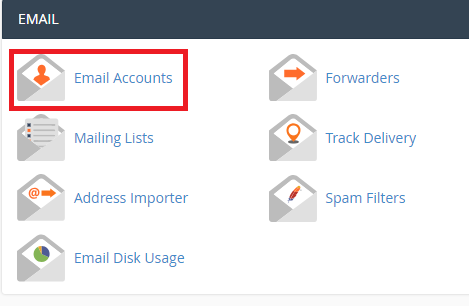
1. Firstly, navigate down the c-panel home page towards the email section. Then select "Email Accounts".
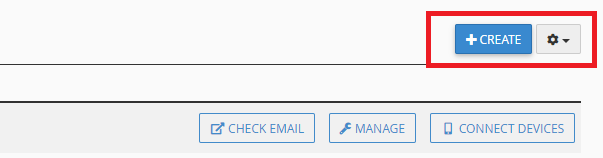
2. Click on the blue create button.
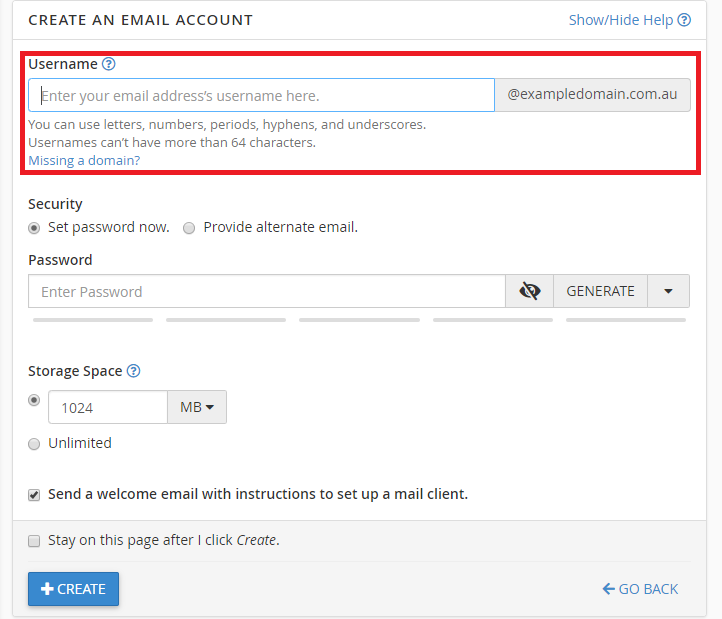
3. Fill in the username section with whatever you want your email username to be.
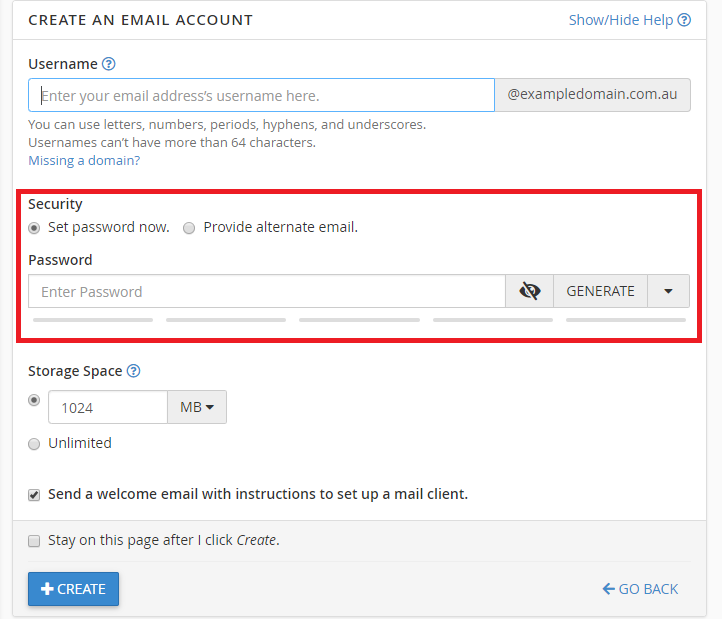
4. Click on "generate" next to the password bar. This will give you a secure password to use for your email. Make sure you save/write the password down as it is not so easy to remember.
5. This is what a filled page would look like.
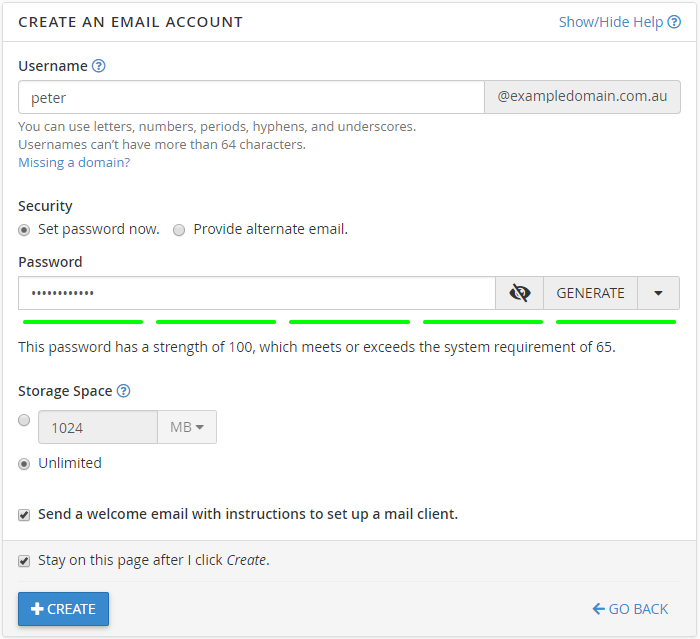
6. Now we click on the blue create button to create your email address. You will find this at the bottom of the page.
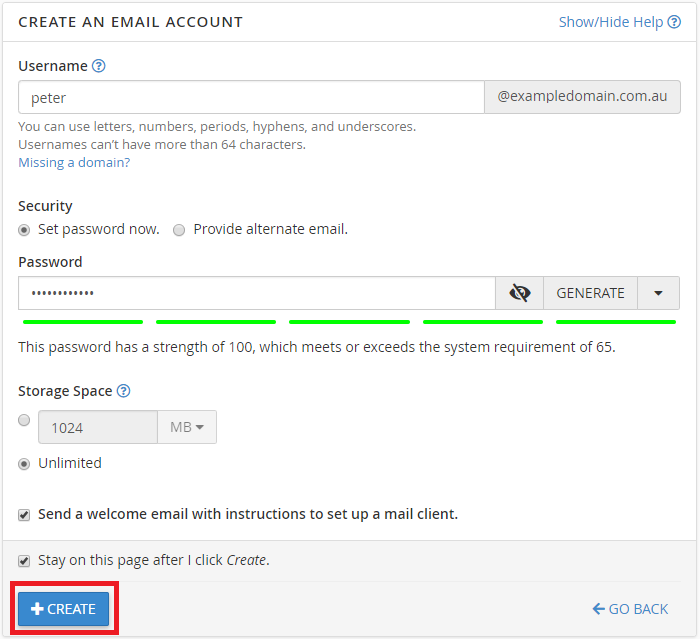
7. Once you have created the email, You should get a green success message in the top right hand corner as shown.

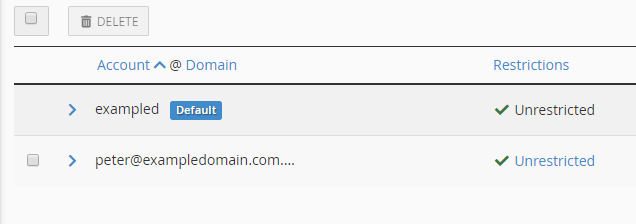
8. Your email should now appear on the email accounts list.
Hopefully you found this article useful. If there are any question, feel free to contact us.
